
Appearance
Complete Script Editing
Check the script before recording begins. Automatic checks can find missing information, but they cannot decide whether a line belongs to the right character or whether a performance will suit the story.
Final checklist
| Area | Check |
|---|---|
| Text | Required content is present; spelling and punctuation are correct |
| Structure | Different speakers have suitable independent segments |
| Characters | Dialogue and narration are assigned correctly; aliases are consistent |
| Voices | Required characters have usable human performers or AI voices |
| Reference text | Only intentionally unspoken directions are marked |
| Performance | Key emotions, pauses, prompts, and Voice Effects are appropriate |
| Pronunciation | Difficult words have been agreed and tested where needed |
| Sound cues | The crew knows which music and environmental effects to add |
Check the current chapter-length validation. A chapter supports up to 80,000 text characters.
Hand off a collaborative chapter
- Open your active Script Editing task in Tasks or the top-right task control.
- Complete the checks and resolve any prompts.
- Select the task-completion action and confirm.
- Check the chapter stage and next assignments.
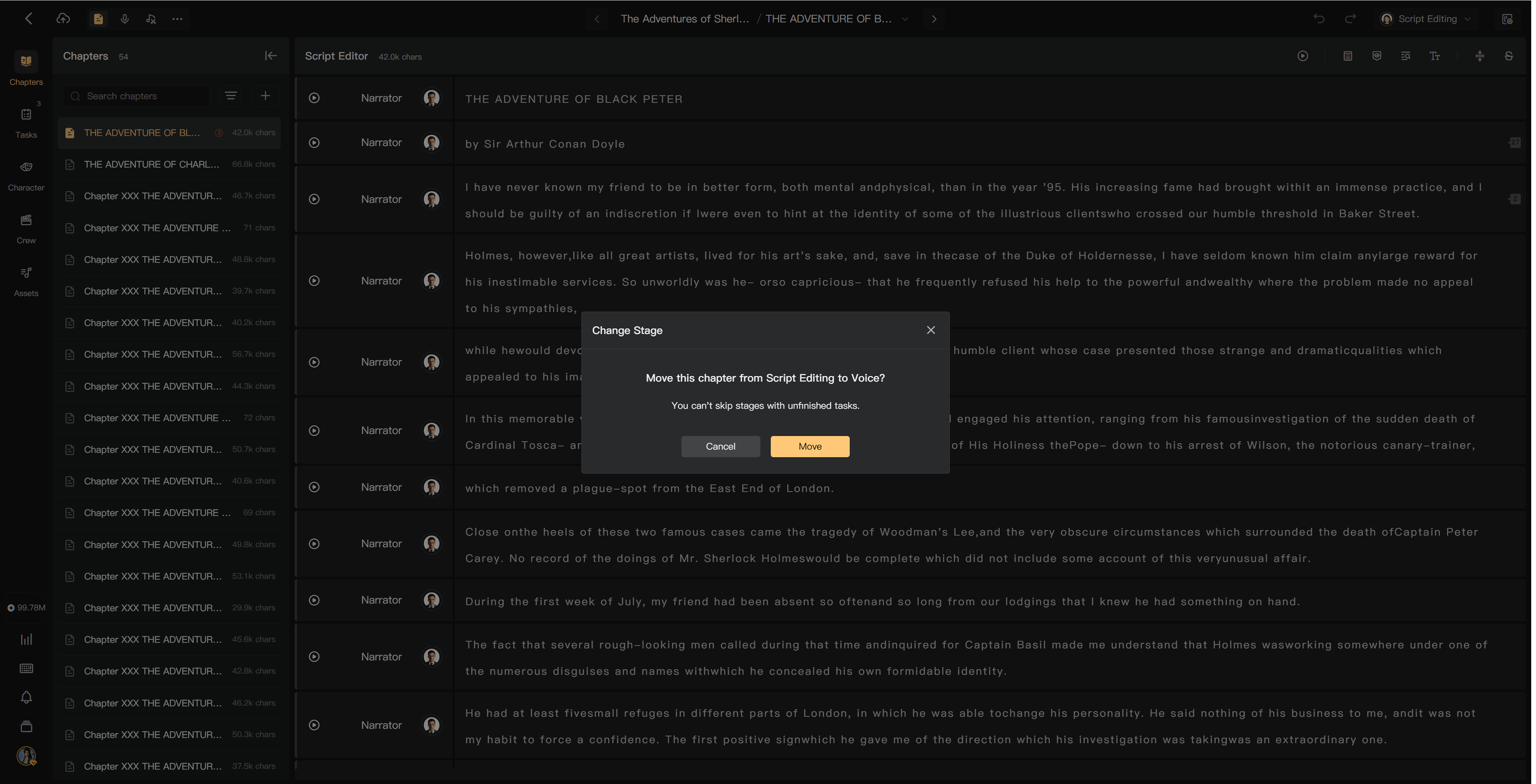
A Waiting task cannot be marked complete. Directors and members with workflow-management permission can manage chapter movement or reopen completed work.
Entering Recording can trigger automatic AI generation if the creator enabled it. Completing the task itself does not use credits, but resulting AI processing can.
Several chapters
Use the available batch task or chapter action, select the intended scope, and check which chapters are eligible. Inspect blocked or skipped chapters rather than assuming every selected script was submitted.
Solo production
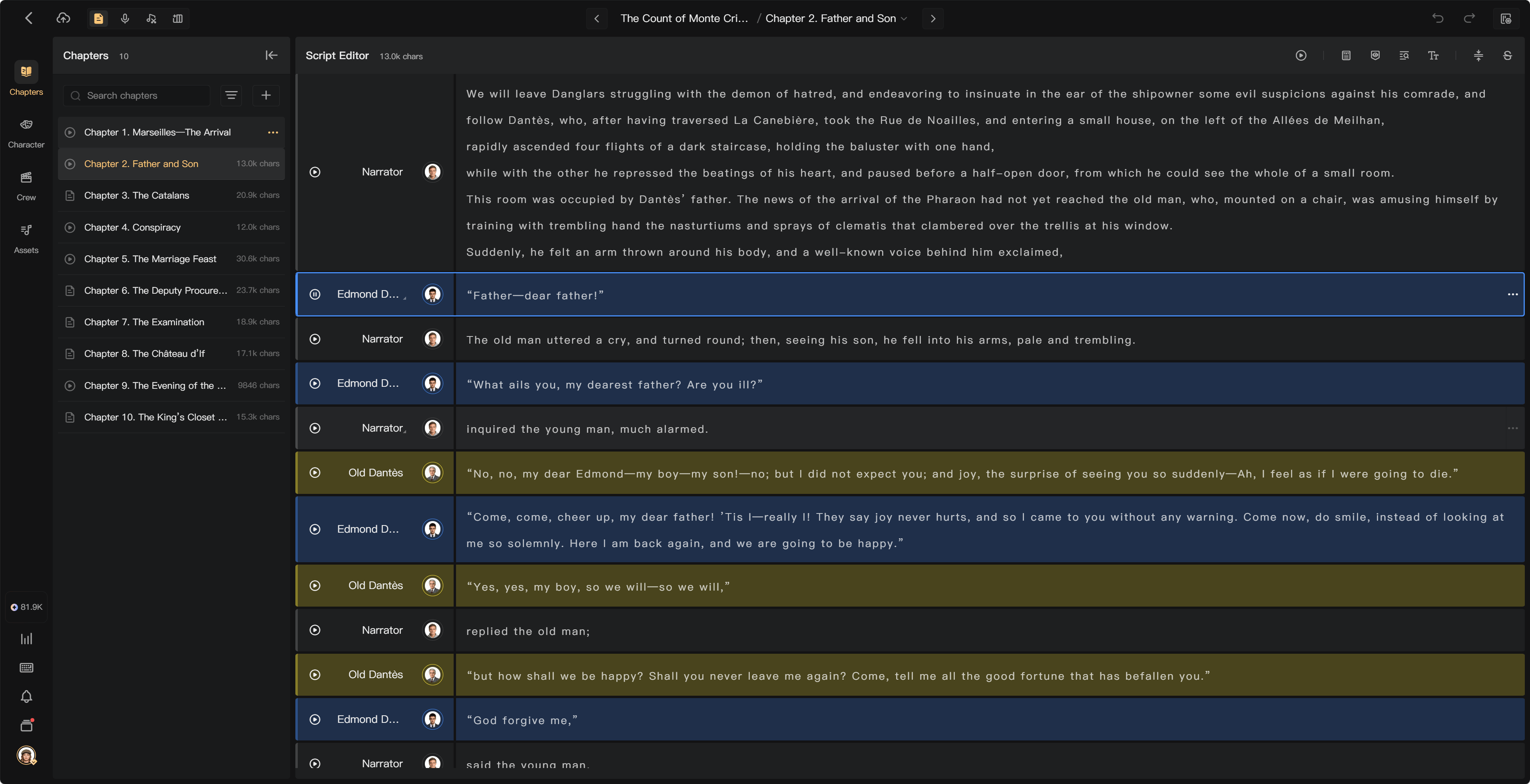
Solo projects do not use crew task assignments. Finish script preparation, then generate or record audio through the relevant tools.
If a later correction is needed
Use comments or an Issue to explain the problem. Coordinate reopening with the director or authorized manager when a task is already complete. Correct only the necessary text and assignments, then regenerate or re-record affected speech.
Check downstream clips, transcripts, and mixes after changes. Existing audio does not become correct merely because the script was edited.
See Recording handoff, Chapter stages, and AI generation modes.