
Appearance
Manage your account
Use My Account to update your display name, email, and password, or to delete your account. Open My → Settings → My Account.
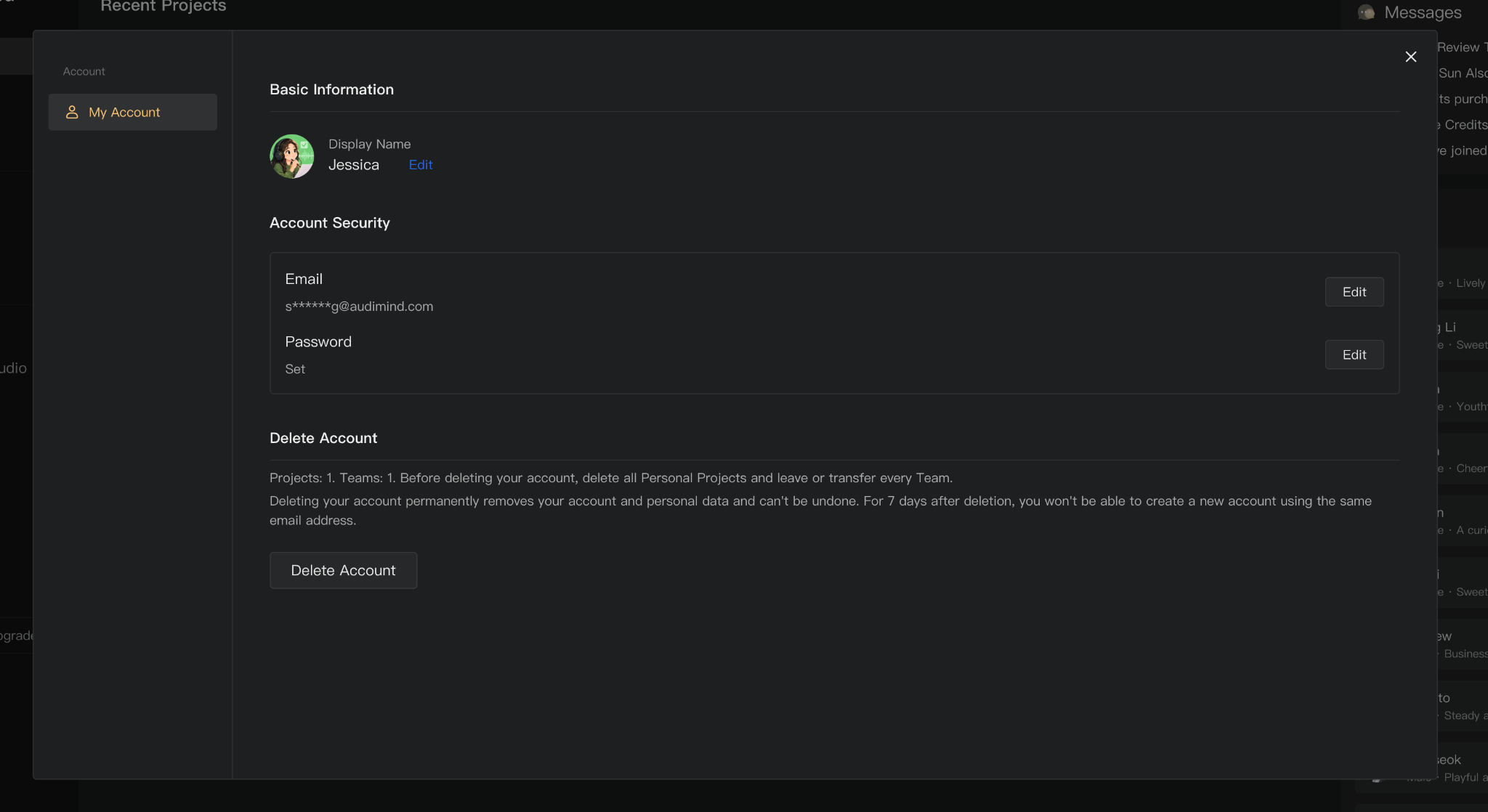
Display name and avatar
Select Edit next to Display Name to change the name other people see in Audimind. Use 2–50 characters. Letters, numbers, spaces, apostrophes, hyphens, underscores, and periods are allowed. Follow any validation messages in the form before saving.
Use the avatar control to update your profile image. Check the upload dialog for supported formats and size limits, and adjust the crop if prompted.
Change your email
Under Account Security, select Edit next to Email. Follow the verification steps and enter an email address you can access. After the change, use the updated email for sign-in and account recovery.
Set or change your password
Under Account Security, select Edit next to Password. Complete the verification and new-password fields, then save. Passwords must be 8–20 characters and use the characters accepted by the form.
If you cannot sign in, use the password recovery option in the sign-in window instead. See Sign in and reset your password.
Delete your account
Account deletion is permanent. Export anything you need before proceeding.
- Delete your personal projects, and leave or transfer every team, as required by the deletion notice.
- Resolve any other requirements displayed in Delete Account.
- Select Delete Account, read the notice, and complete the confirmation steps.
For seven days after deletion, the same email address cannot be used to create a new account. Registering again later creates a new account; it does not restore deleted content or eligibility for new-user offers.
If you have an active subscription, review its billing status and cancel automatic renewal before deleting your account. Account deletion should not be used as a substitute for canceling a subscription.
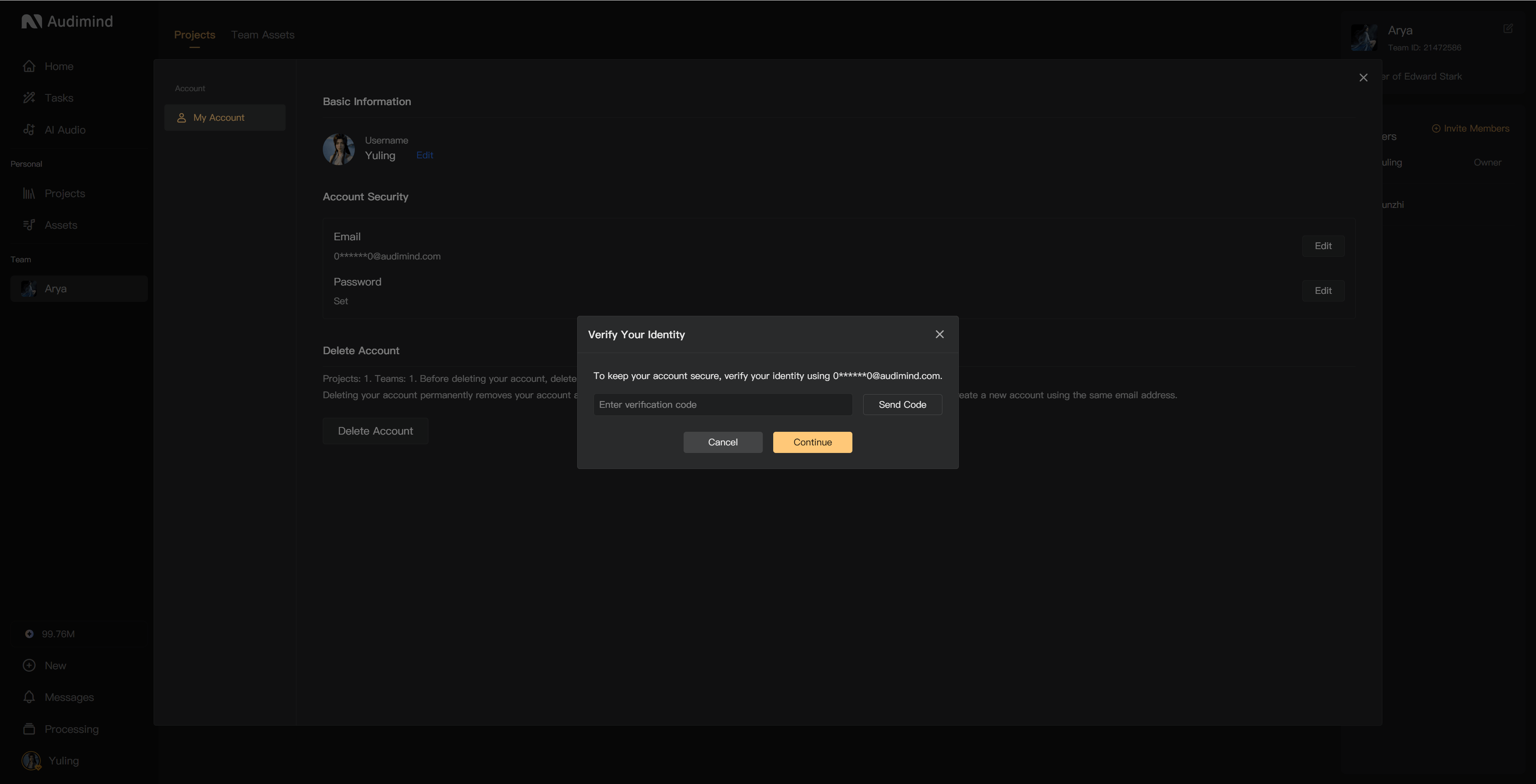
Profile and shortcuts
Professional information is managed separately in Profile. In a project's creation page, open My to access keyboard shortcut settings.