
Appearance
Recommend voices for characters
Recommend Voices helps assign suitable voices to an existing character list. Smart Scripting identifies characters and dialogue; voice recommendation chooses who should perform those characters. Review both results separately.
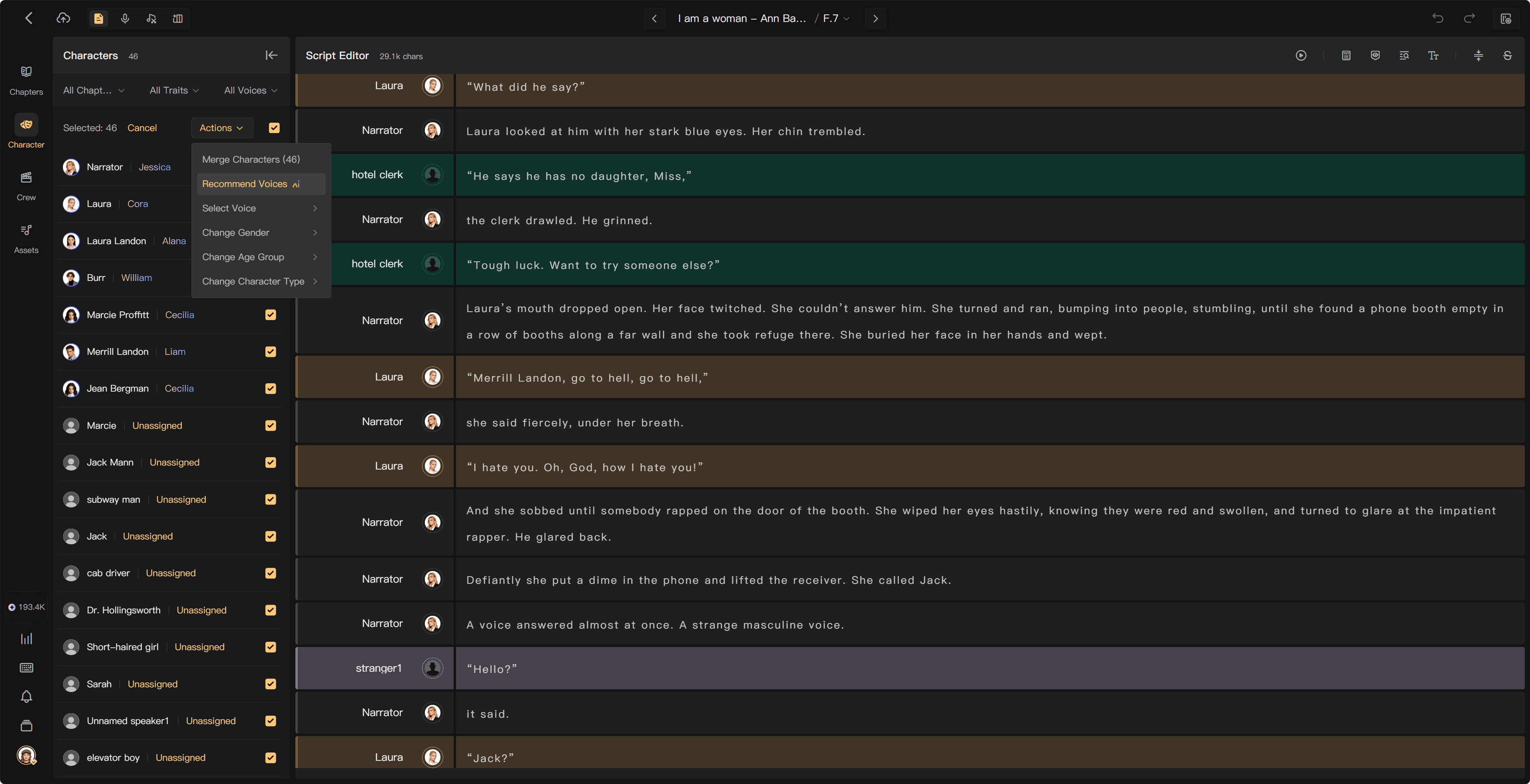
Start recommendations
- Open Characters in the creation page.
- Select the characters to process, or use the recommendation action for unassigned characters.
- Choose Recommend Voices from Actions.
- Set the required recommendation options, including Voice Source.
- Check the selected scope and start Recommend.
- Review the assigned voices and listen to samples.
If the selected source has too few usable voices, choose another source or assign voices manually. Correct character attributes before recommending.
How recommendations work
Audimind considers gender, age, language, and accent, together with character importance, chapter proximity, and dialogue relationships. It limits voice reuse where possible so listeners can distinguish characters.
Recommendations depend on the selected pool. A small pool may require more reuse; a poor character profile can produce a less suitable match. A recommendation is a starting point for your casting decision.
Review the result
- Listen to the narrator and main characters first.
- Check language and accent against the manuscript.
- Compare characters who speak to each other.
- Check repeated voices among characters appearing close together.
- Keep already-chosen performances where you want continuity, using the available scope and preservation options.
Change any unsuitable assignment manually. Selecting a new voice does not itself make every existing recording use that voice; follow the existing-audio choices when prompted.
Correct character recognition separately
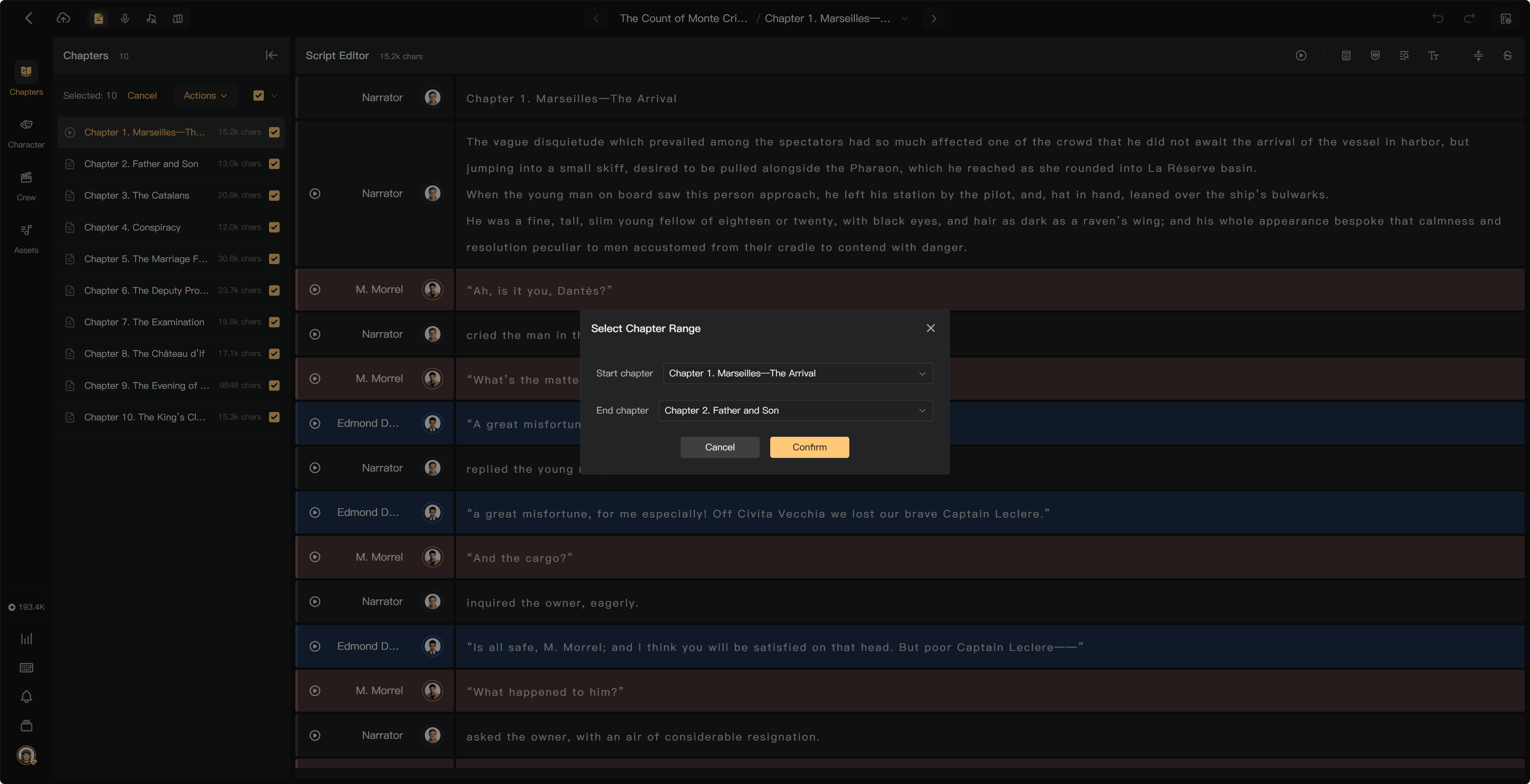
If one person has several character entries, merge aliases in character management. If a line belongs to the wrong speaker, correct its script assignment. Do not rerun recommendations as a substitute for fixing these script problems.
See Manage characters, Assign characters and voices, and Script Editor basics.