Appearance
Explore the homepage
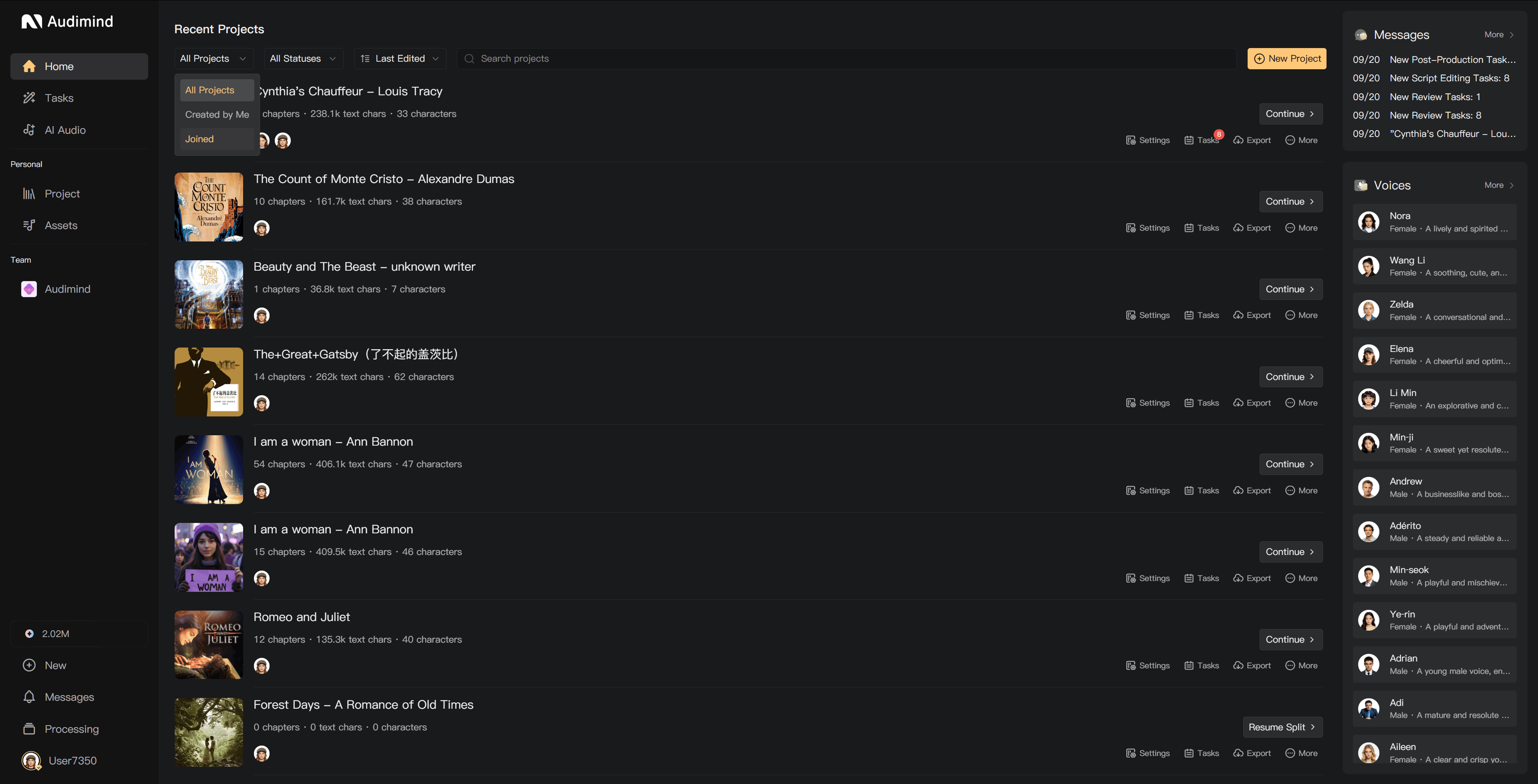
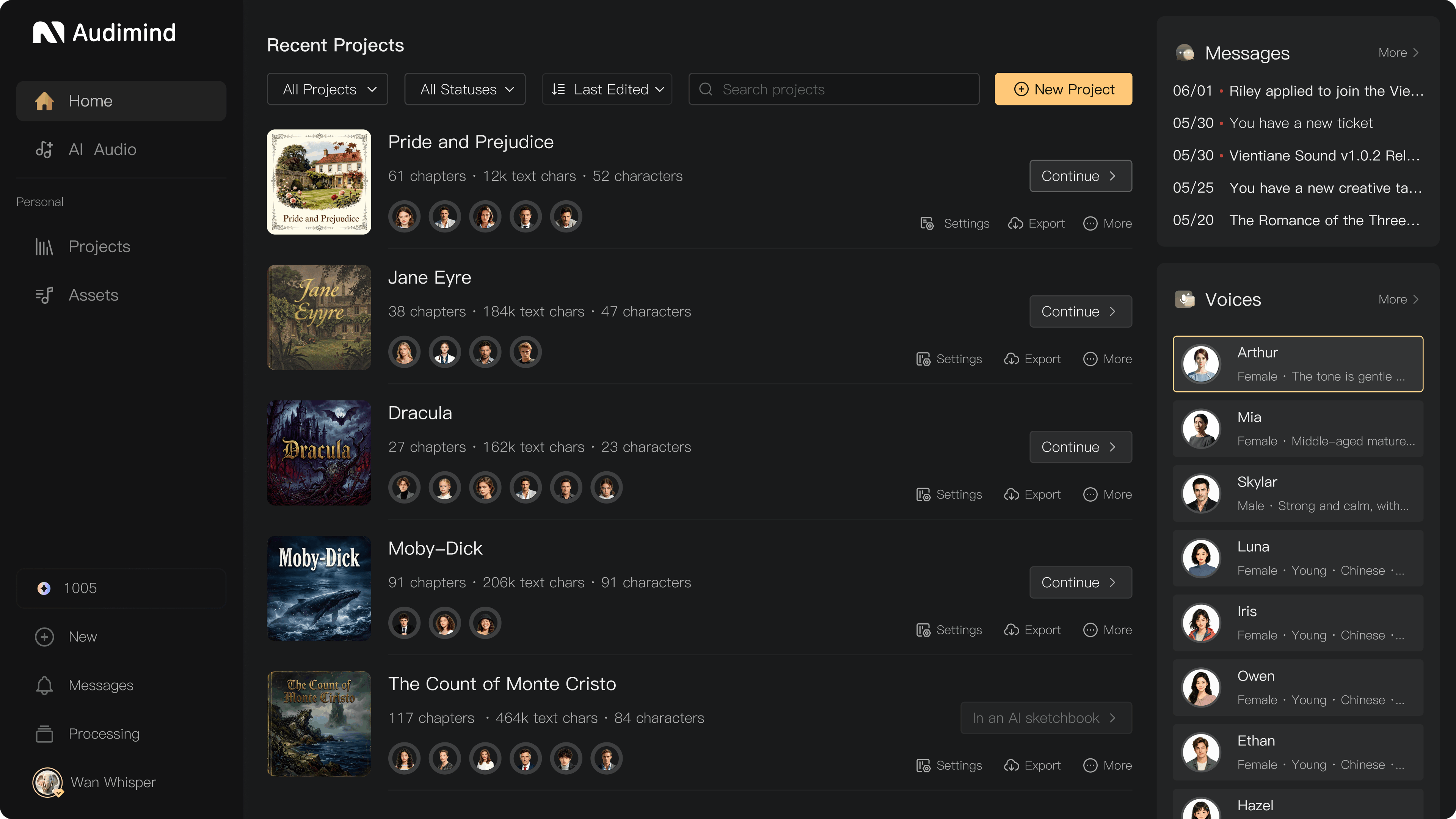
The homepage brings together your recent projects and the tools you use to start a production. Return here to continue work, browse assets, or generate audio outside a project.
Find or start a project
- Projects opens your project list.
- Recent helps you return to projects you have worked on recently.
- New Project starts a new production.
- Select a project card to continue its workflow. The card shows its chapter and text-character counts; these are different from the story's character count.
If you cannot find a project, check that you are signed in to the correct account and viewing the correct workspace.
Browse assets and AI tools
Use Assets to browse and manage audio and AI voices. Use AI Audio for Voice Design, Quick Voiceover, Generate SFX, and Generate Music. Tool availability is shown in the interface.
An AI voice's sample helps you judge whether it fits your story. Listen before assigning it, and check its language, age group, and style.
Credits and membership
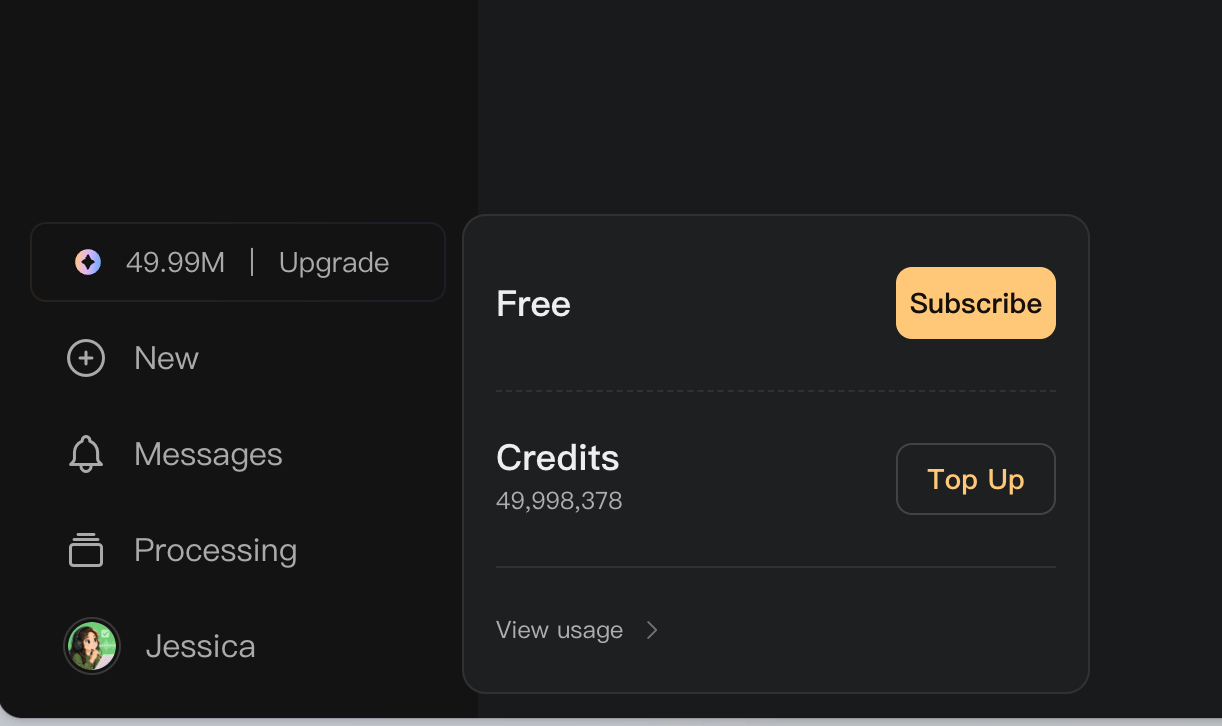
Hover over Credits in the page sidebar to see your available balance and current membership. Top Up opens credit purchases; Subscribe or Upgrade opens membership options. Select View usage to inspect your credit records.
The purchase dialog has three tabs: Membership, Credits, and Resources. Its top row shows your current plan, credits, storage, and seats, with Manage or History links where available.
Messages and background processing
- Messages opens notifications and communication.
- Processing shows background operations such as Smart Scripting, Smart Alignment, mixing, and exports. Check it when an operation continues after you close its dialog.
- Your avatar or display name opens My, including account settings and Log Out. In a creation page, keyboard shortcut settings are also accessed through My.
Personal and team workspaces
Personal contains your personal workspace. Switch to the relevant team to view its projects and shared assets. Project access and editing permissions depend on your membership and assigned role.
See Create your first audiobook, Assets overview, and Membership plans.