
Appearance
Create an account
Create an Audimind account with your email address to save projects, use AI audio tools, and take part in collaborative productions.
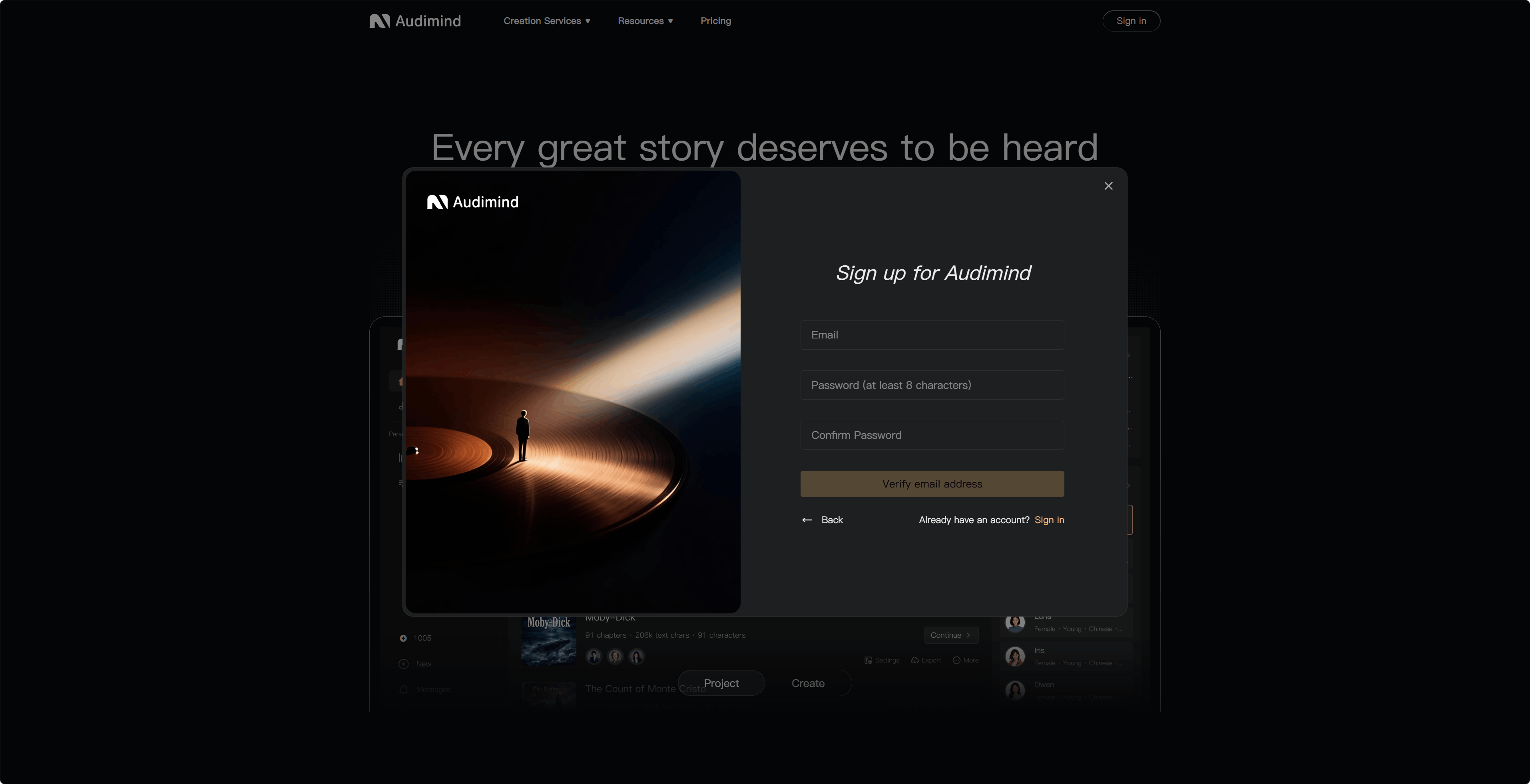
Sign up with email
- Open Audimind and select Sign up in the sign-in window.
- Enter an email address you can access.
- Complete the email verification and required account fields shown in the form.
- Submit the form, then follow any setup prompts to enter your workspace.
Use the same account whenever you return so that your projects, assets, and credits stay together.
Joining through an invitation
If someone has invited you to a project or team, open their invitation link first. Sign in to an existing account or create an account with email, then follow the invitation prompts. Check the project or team name before accepting. If the invitation has expired, ask the inviter for a new link.
If the verification email does not arrive
- Check the email address for typing errors.
- Check your spam or junk folder.
- Wait for the resend option to become available, then request a new code.
- Use the newest code you receive. If it has expired, request another.
If the address is already registered, sign in instead. If you cannot remember your password, use the password recovery option in the sign-in window.
After signing up
Complete any setup steps shown, then select New Project to begin. To check your available credits, hover over Credits in the page sidebar. Credit grants and their expiration dates are shown in your credit history.
See Sign in and reset your password, Complete your profile, and Create your first audiobook.