Appearance
Delete a project
Delete a project only when its manuscript, script, recordings, final audio, and production records are no longer needed. Project deletion cannot be undone.
Before deleting
- Download final audio and any source recordings you need.
- Export scripts and production records you need to retain.
- Check that collaborators are no longer working on the project.
- Resolve or record unfinished tasks and Issues.
- Check whether assets need to be preserved separately.
Deleting only Final Audio is a different action: its source recordings remain and can be mixed again. Choose that narrower action if the goal is simply to remove an outdated deliverable.
Delete
- Open Projects in the relevant workspace.
- Find the correct project and open its more menu.
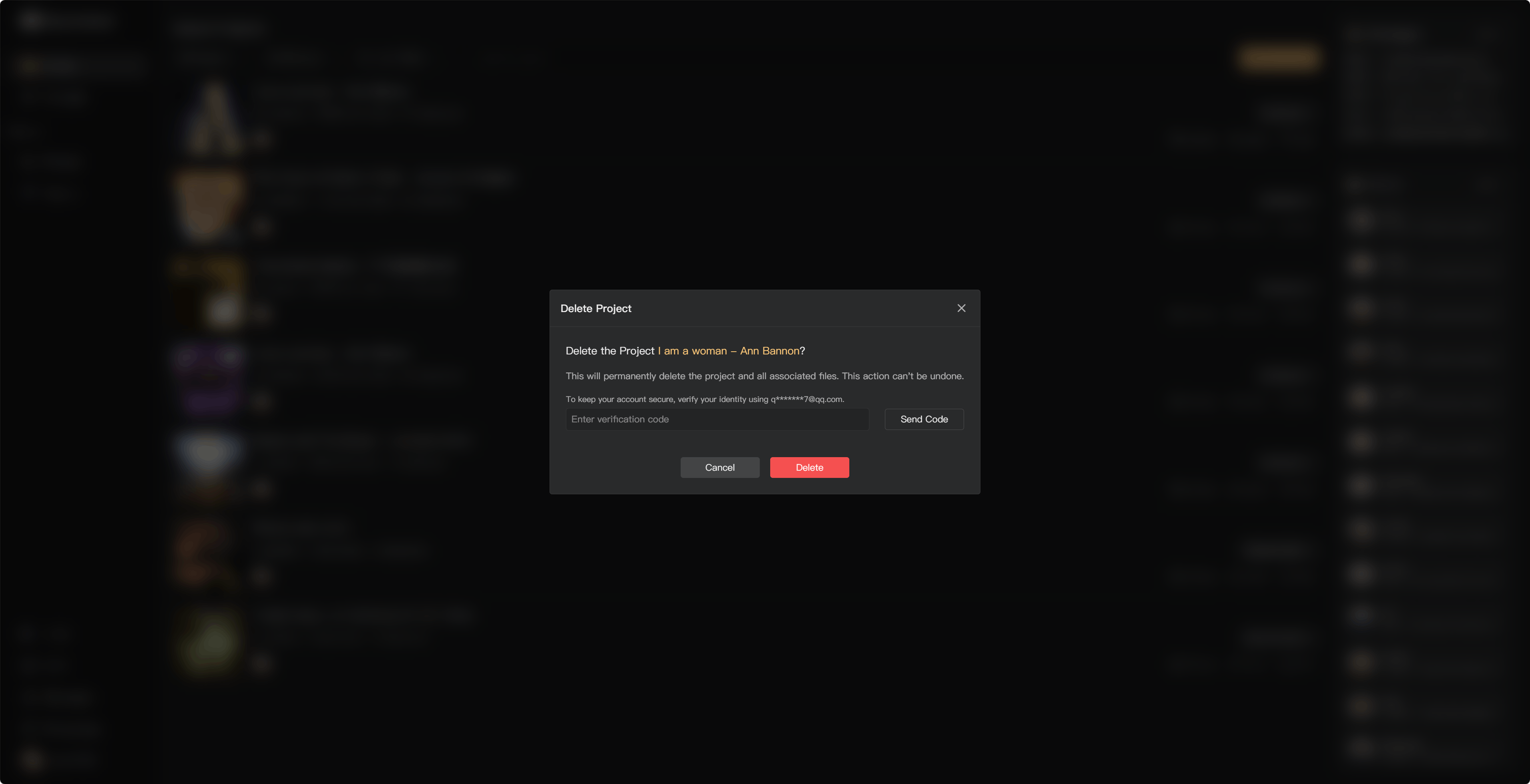
- Select the project deletion action.
- Read the confirmation and verify the project name.
- Confirm deletion.
The available deletion action depends on ownership and permissions. If it is unavailable in a collaborative project, ask the owner or authorized administrator.
Deleting a project does not automatically cancel a membership subscription. Manage billing separately in subscription management.
See Download final audio, Project Settings, and Manage your subscription.