
Appearance
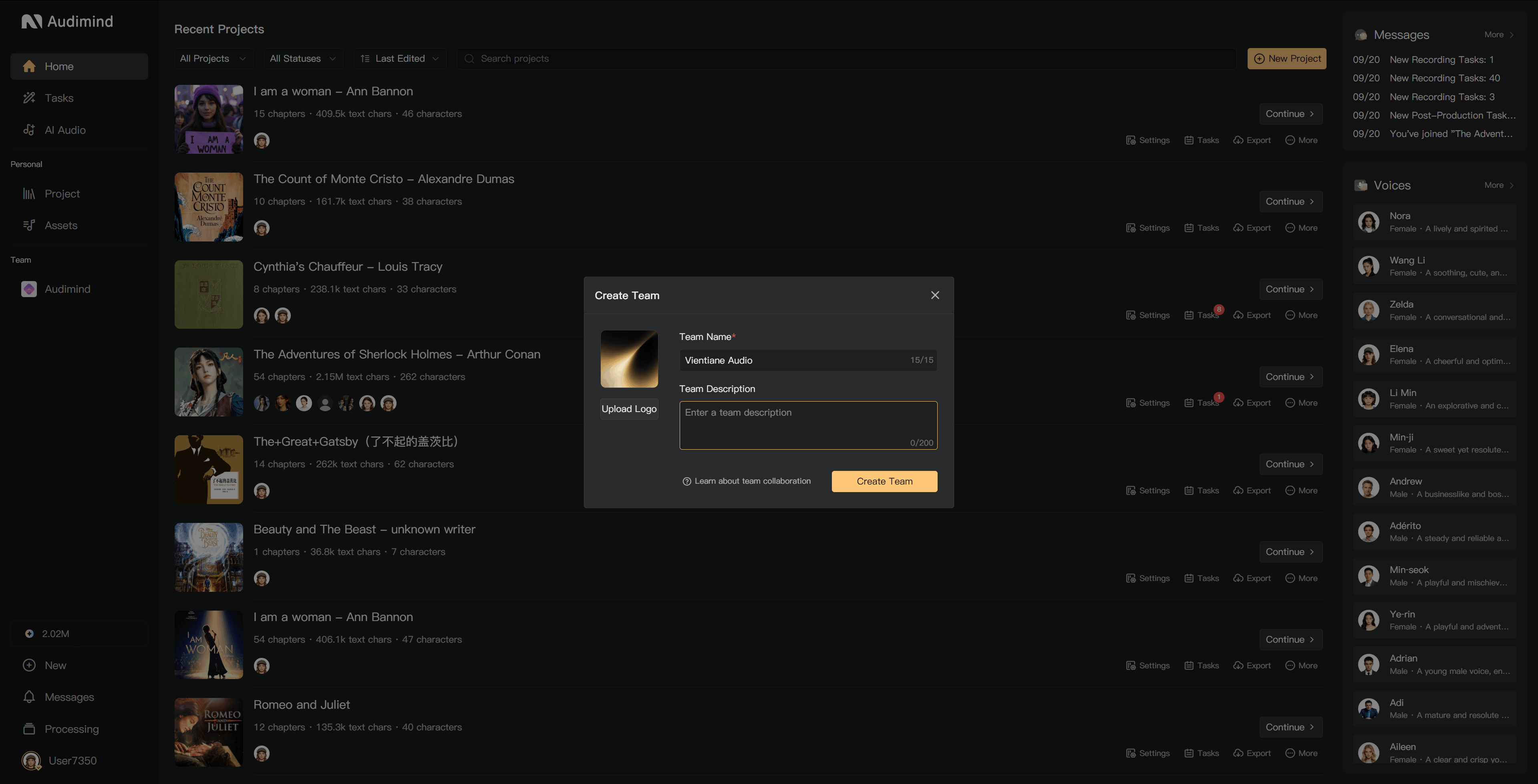
Create a team
A team provides a shared workspace for projects, members, and assets. Check the team-creation option and your account's current membership limits before setting up a new organization.
Create the workspace
- Open the team list or workspace team area and select the new-team action.
- Enter a recognizable team name.
- Add an avatar and introduction if needed, and complete any required fields.
- Create the team and check its member and asset areas.
The creator receives ownership and management access. Use the team's settings to update its information later.
Prepare for collaboration
- Invite the people who need access to the team.
- Create a project and add the relevant people to its Crew.
- Assign permissions and duties for that project.
- Add shared assets by uploading or synchronizing eligible files.
- Check the account responsible for storage and AI credits.
Team membership, project participation, and project-seat limits are different. A team's member list is not itself a count of seats used in every project.
Check limits
Team creation and collaboration depend on the account's membership and available capacity. The interface's eligibility message and current limits apply. If creation is blocked, check membership, storage, and any team-count limit shown.
For ownership transfer or dissolution, use the appropriate team settings action and read its impact before confirming.
See Invite members, Crew management, Team assets, and Transfer or dissolve a team.