
Appearance
Sign in and reset your password
Sign in to the account you used to create or join your projects. Your saved projects, assets, and credits belong to that account.
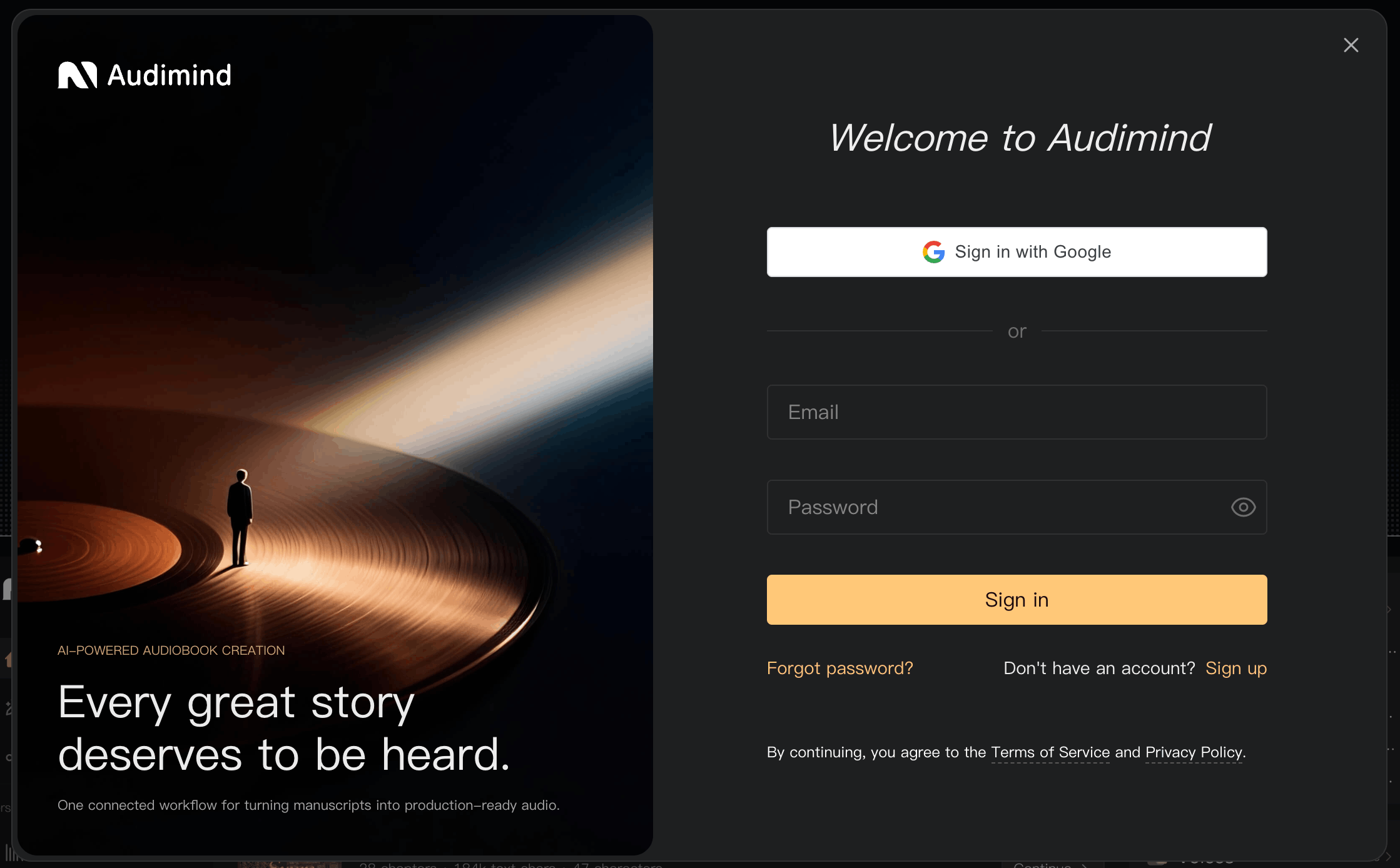
Sign in
- Open Audimind and select Sign in.
- Enter your account email address and complete the sign-in fields shown.
- Submit the form to open your workspace.
If you use a different computer, sign in with the same account email. On a shared computer, select Log Out in My when you finish.
Reset a forgotten password
- Open the sign-in window and choose the password recovery option.
- Enter the email address associated with your account.
- Complete the verification sent to your email.
- Enter and confirm a new password that meets the form's requirements.
- Return to sign-in and use your new password.
If you are already signed in and want to change your password, open My → Settings → My Account and select Edit next to Password.
Troubleshooting
| Problem | What to try |
|---|---|
| Your email address is not accepted | Check for typing errors or spaces, and use the email associated with your account. |
| Your password is not accepted | Check capitalization and extra spaces. If necessary, reset your password. |
| No verification email arrives | Check spam or junk, confirm the address, and request another code when the resend option is available. |
| The code is incorrect or expired | Use the newest code, or request a new one. |
| You are asked to sign in again | Sign in to the same account. If the problem repeats, check your connection and whether your browser allows the site's cookies. |
| You cannot access your account email | Contact support for help recovering access. |
Signing in from an invitation
Open the invitation link and sign in with the account you want to use for collaboration. Follow the invitation prompts after signing in. If the invitation no longer works, ask the inviter to send a new one.
Saved work remains associated with your account when you sign out. If your session ends while you are editing, check that your latest changes were saved before continuing.
See Create an account and Manage your account.