
Appearance
Assign duties and tasks
Assign a production duty to a member, then check the chapter tasks created for that duty. Recording also requires assigning story characters to performers.
Duties
| Duty | Main responsibility | Work scope |
|---|---|---|
| Director | Coordinate production and manage chapter movement | Project |
| Script Editor | Prepare and correct the script | Chapter |
| Recording | Perform narration or character lines | Assigned segments |
| Post-Production | Edit and mix audio | Chapter |
| Review | Check recordings and resolve corrections | Chapter |
A member can have several duties. Project ownership and permission roles are separate from these production assignments.
Automatic assignment
When a non-recording duty is assigned during invitation or project setup, unassigned tasks for that duty can be assigned automatically. Existing assignees are not replaced just because another person receives the duty.
For Recording, assigning the duty alone is not enough. Assign a character to the performer in Characters; the performer then receives tasks for that character's lines across the relevant chapters.
Assign or adjust manually
An authorized director or administrator can use Tasks and member task settings to choose the member, chapter range, and duty. Confirm the assignments and check the resulting list.
Coordinate before reassigning work already started. Completed tasks need to be reopened through workflow management before corrections are made.
Task status
| Status | Meaning | What to do |
|---|---|---|
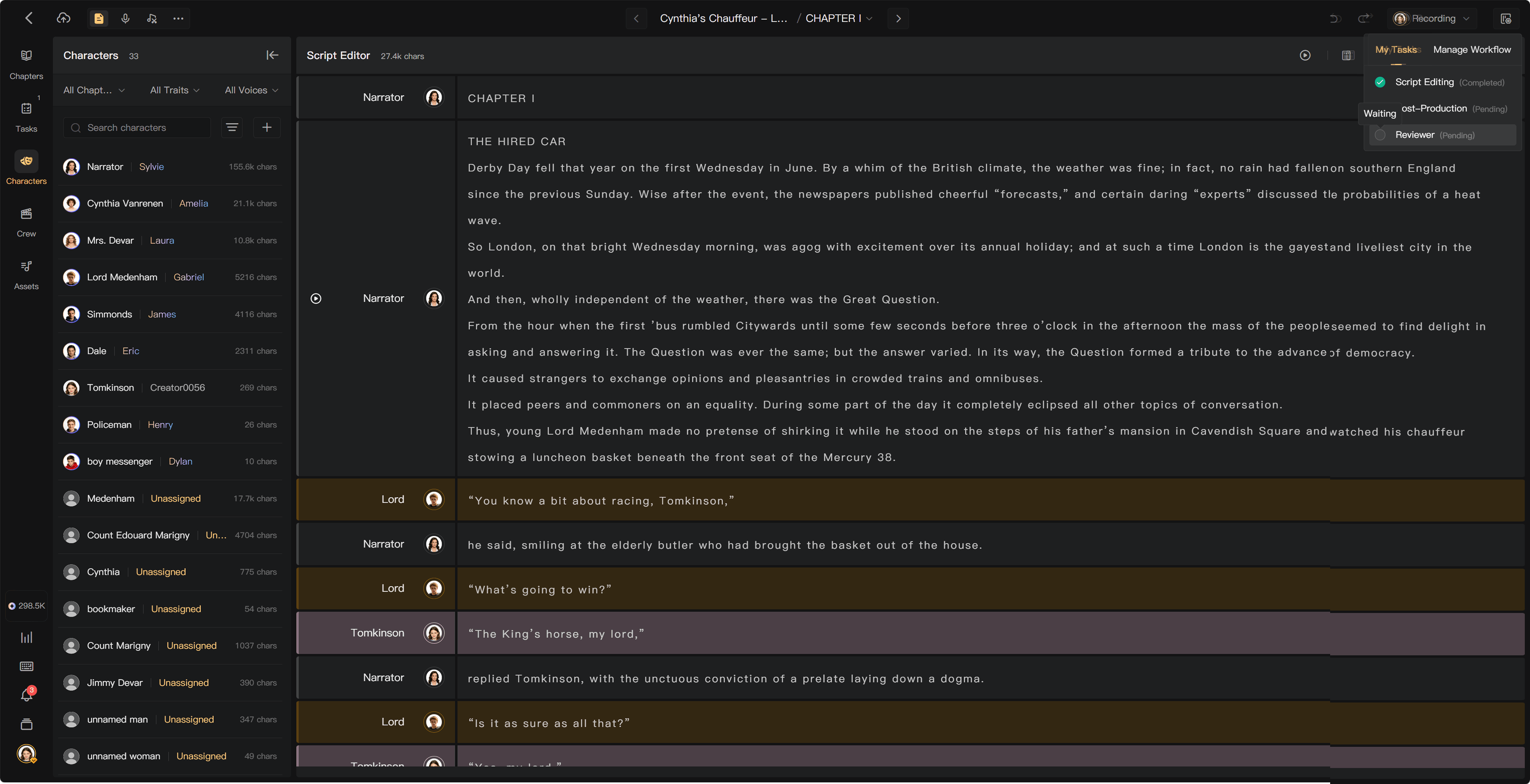
| Waiting | A preceding stage is unfinished | Wait for the prerequisite; the task cannot be marked complete |
| In progress | The task is available | Do the work, then mark it complete |
| Completed | The work has been submitted | Ask the director or authorized workflow manager to reopen it if needed |
Use Mark Complete or the completion action shown for an active task, then confirm. Completion of your task and movement of the chapter are different events, especially when several performers share Recording.
Remove a member or duty
Removing a member cancels unfinished tasks and releases relevant character-to-performer assignments. Completed records remain attributed to the member.
Releasing a duty can be blocked when completed records must retain accountability. If allowed, its unfinished tasks are canceled. Check what is unassigned afterward.
See Task management, Chapter stages, and Crew management.