Appearance
Transfer or dissolve a team
Transfer ownership when another member will take responsibility for the team. Dissolve the team only when you no longer need its projects and shared assets.
Check before transferring
The current creator starts the transfer. The recipient must be an eligible current member with the required administrative access, active Team or Business membership, enough storage, and enough project seats for the existing collaborators.
Confirm the intended recipient and who will pay for future project AI processing. Export important deliverables before changing ownership.
Transfer steps
- Open team settings and choose the ownership-transfer action.
- Select the recipient.
- Review the team, recipient, and transfer impact.
- Complete the security confirmation shown; account verification uses the available email-based flow.
- The recipient reviews and accepts the transfer where prompted.
- Check that ownership and account resources have updated.
Eligibility can be checked again at acceptance. If storage or seats are insufficient, resolve the shortage before trying again.
In-progress work
Existing tasks and member relationships are retained through the transfer flow. Orders already processing remain associated with the paying account recorded when they started; later project processing uses the resulting owner account.
The former owner's access depends on whether they remain a member and their resulting permissions. Keep this clear before confirming the handoff.
Dissolve a team
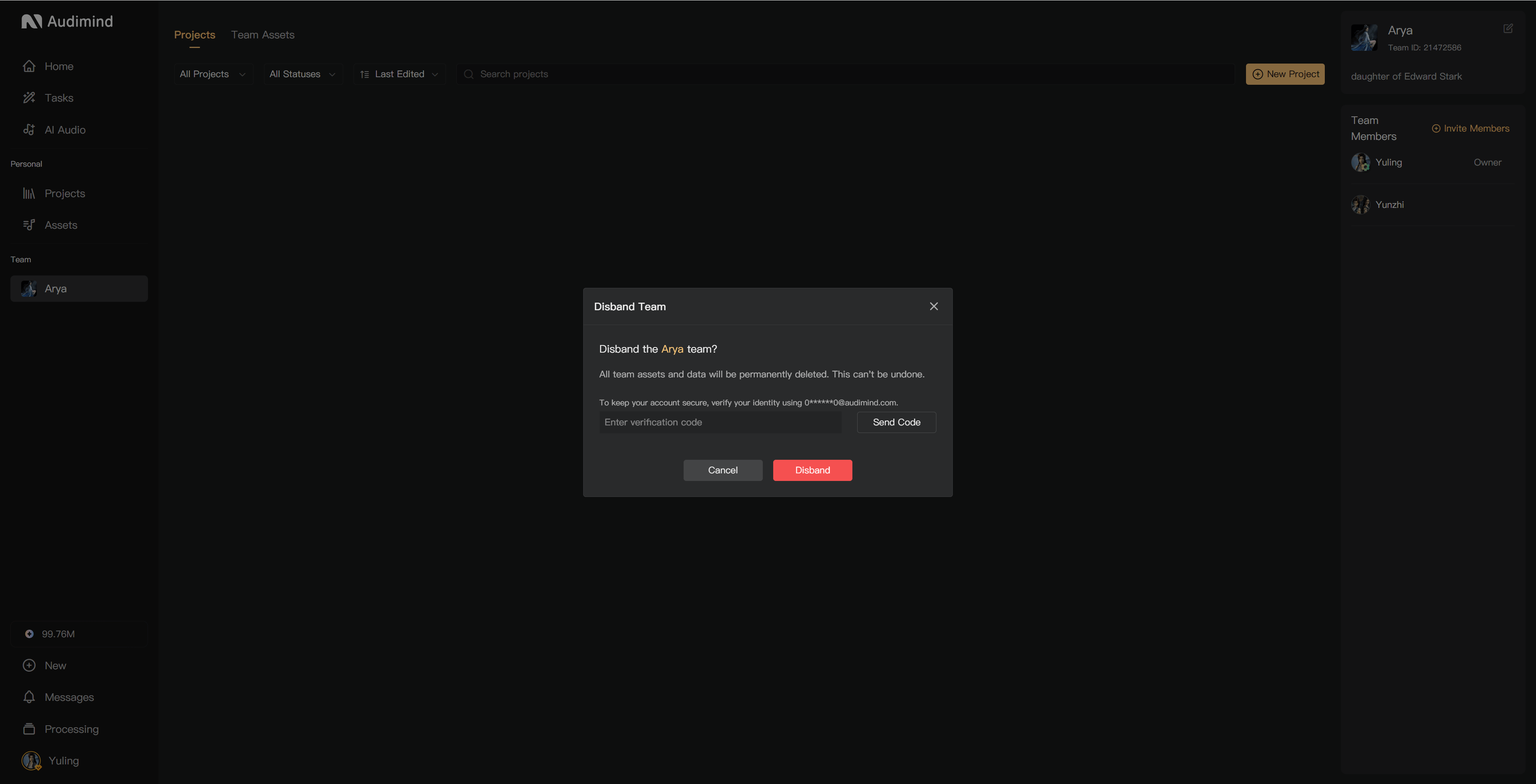
Dissolution removes the team and its associated projects and assets. It cannot be undone. Export important audio and assets, and resolve any project ownership changes before proceeding.
- Open team settings and select the dissolution action.
- Read the listed projects, assets, members, and deletion scope.
- Complete the requested confirmation and verification.
- Confirm only when the team and its data are no longer needed.
A project transfer and a team transfer affect different scopes. Read the confirmation for the operation you selected.
See Manage members, Project seats, and Download final audio.