
Appearance
Manage the project crew
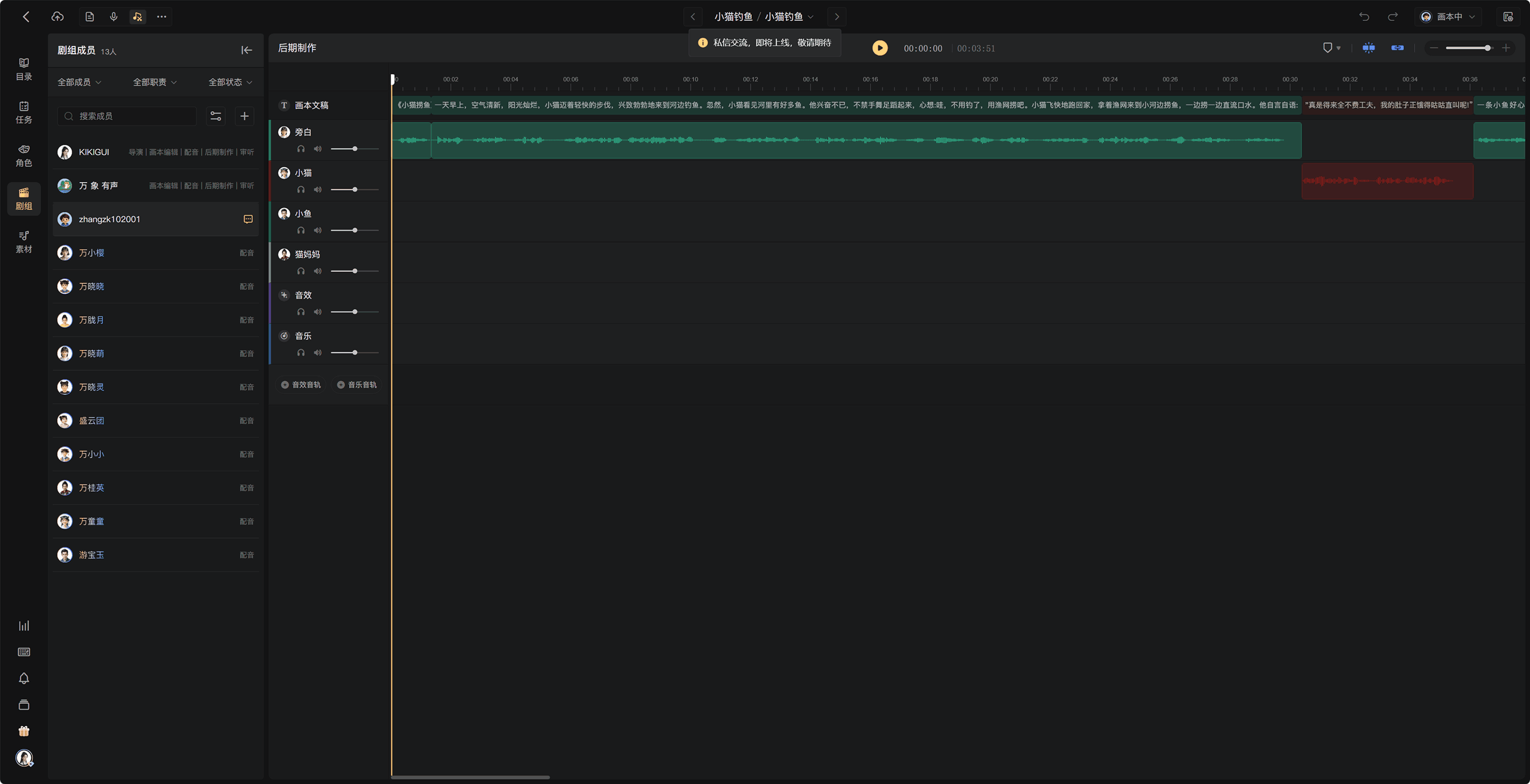
The Crew is the group working on one project. A story Character is a narrator or person in the manuscript; assign that character a human performer or AI voice.
Open Crew
Open Crew in the creation page's sidebar. Review the human collaborators and assigned AI voices shown there. Human participants count toward the project's seat limit; AI voices do not consume human seats.
Add a collaborator
Use the add-member action to select an eligible team member or invite the person through the available project invitation flow. Review any prompt to enable collaborative mode, then assign the required role and duty.
A person being in the team does not mean they are assigned to every project. Confirm that they appear in this project's Crew and have the correct access.
Assign a character's performer
- Open Characters and select the character.
- Open its voice assignment.
- Choose a human performer from the available crew or an AI voice.
- Confirm the assignment and review any existing-audio options.
For human performers, recording tasks are created for chapters containing that character. A performer may cover several characters, and a member may hold several production duties.
AI voices
AI voices generate audio rather than completing human task assignments. Choose official voices or private designed voices available to the project. Listen to samples and check the character's language before assigning one.
Communication and corrections
Use the messaging action on a human member to discuss work. Use comments for context and Issues for corrections that need to be tracked.
If a completed recording needs rework, the director or authorized workflow manager can return the chapter to the relevant stage. Select the responsible performer when prompted. A correction to AI audio can require Script Editing so the text or voice settings can be fixed before regeneration.
Remove participation
Removing someone from Crew cancels their unfinished tasks and releases relevant performer assignments. Completed work remains in the project. Review any replacement assignments afterward.
See Assign duties and tasks, Roles and permissions, and Assign characters and voices.